Blog
-
Sending Ctrl-Break with screen and USB Console cable
The USB tty device shows up on my machine as /dev/tty.usbserial-AL00LNQH
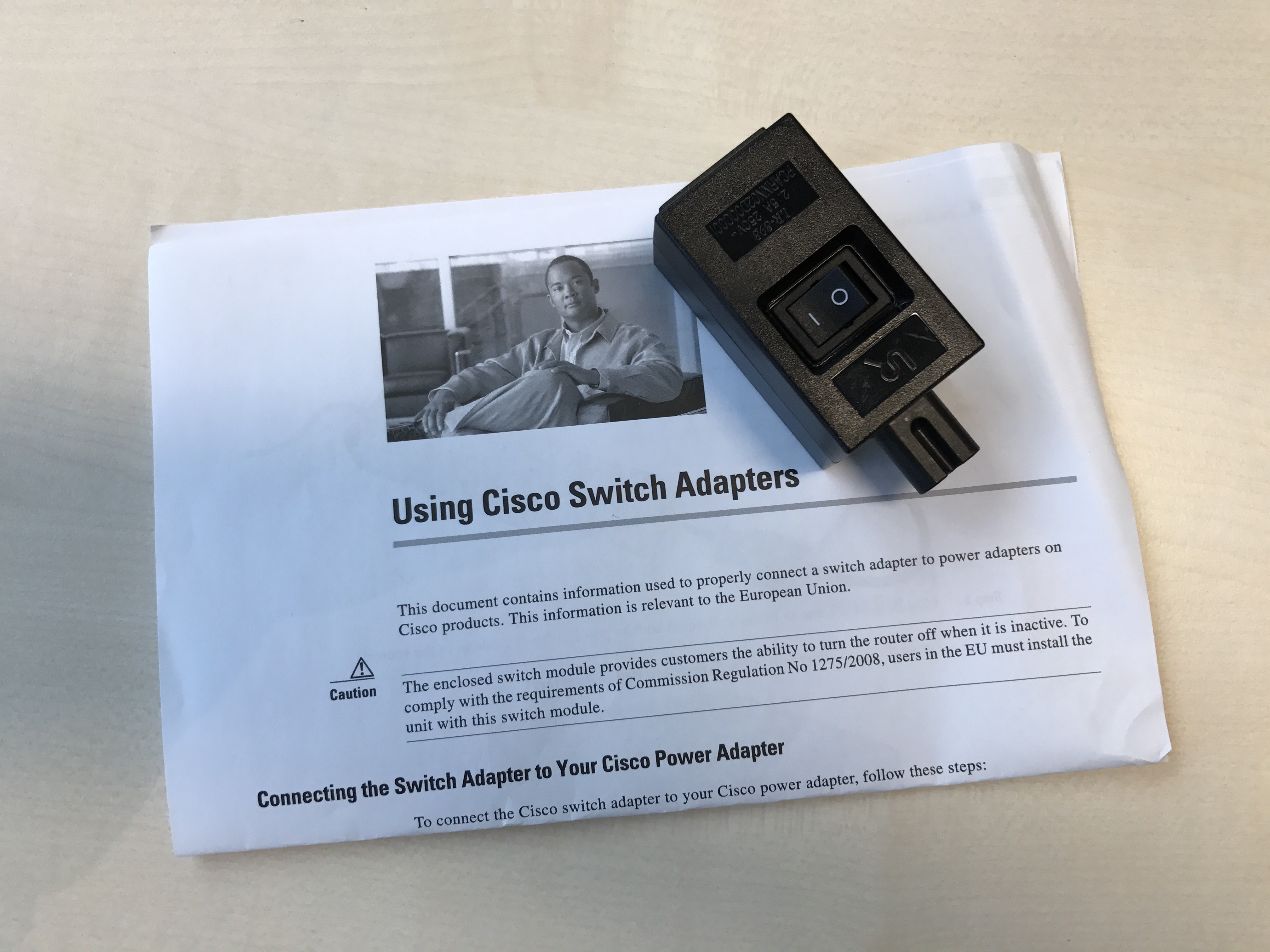
I recently needed to send Ctrl-Break to boot a Cisco router to rommon, but as MacBook’s don’t have a Break key I wasn’t sure how to accomplish this.
This serves as a reminder for myself that you do this by pressing Ctrl-a and then Ctrl-b
-
Cisco ASDM – Unable to launch device manager
After updating Cisco ASA 5505 to software version 9.2(4) and ASDM 7.6(2)150 I found myself unable to manage it using ASDM.
 When trying to access it using the ASDM I got the following unhelpful error message: “Unable to launch device manager from <IP>”.
Looking at the application logging I see that it’s failing with the following trace:
javax.net.ssl.SSLHandshakeException: Received fatal alert: handshake_failure
 at sun.security.ssl.Alerts.getSSLException(Alerts.java:192)
 at sun.security.ssl.Alerts.getSSLException(Alerts.java:154)
 at sun.security.ssl.SSLSocketImpl.recvAlert(SSLSocketImpl.java:2023)
 at sun.security.ssl.SSLSocketImpl.readRecord(SSLSocketImpl.java:1125)
 at sun.security.ssl.SSLSocketImpl.performInitialHandshake(SSLSocketImpl.java:1375)
 at sun.security.ssl.SSLSocketImpl.startHandshake(SSLSocketImpl.java:1403)
 at sun.security.ssl.SSLSocketImpl.startHandshake(SSLSocketImpl.java:1387)
 at sun.net.www.protocol.https.HttpsClient.afterConnect(HttpsClient.java:559)
...
So, it’s not liking the self signed SSL certificate anymore, fair enough, that’s just been laziness on my part, so lets get a proper cert from the CA.
I try to generate the csr on the ASA:
crypto ca enroll SSL-Trustpoint
My CA did not like the csr as it was SHA-1, and my CA will only issue SHA-256 leafs. This should have been a good hint as to why I wasn’t able to establish a trusted connection later.
I then generate my own csr using OpenSSL and got myself a SHA-256 signature algorithm certificate. The following article was helpful in getting the certificate installed:
http://www.cisco.com/c/en/us/support/docs/security-vpn/public-key-infrastructure-pki/200339-Configure-ASA-SSL-Digital-Certificate-I.htmlWith the certificate configured I still weren’t able to connect. The error message remained the same. This is strange as the certificate is now trusted and both Chrome and Safari are no longer showing any warnings when accessing the hostname.
I then turned to TLSTool to inspect the connection to the ASA, since the Java application is still claiming it’s unable to establish a secure connection:
* protocol: TLS 1.0
* cipher: RSA_WITH_AES_256_CBC_SHA
That tells us it’s a TLS 1.0 using the RSA_WITH_AES_256_CBC_SHA cipher. After some pondering I figure I should check which ciphers my installed JRE supports.
This was easier said than done, but I found the getEnabledCipherSuites method in the SSLSocket class, which is documented here: https://docs.oracle.com/javase/8/docs/api/javax/net/ssl/SSLSocket.html
I then wrote a small java application to list the enabled cipher suite:
import java.io.IOException;

import javax.net.ssl.SSLServerSocket;
import javax.net.ssl.SSLServerSocketFactory;

public class Test {

 public static void main(String[] args) {
  SSLServerSocketFactory ssl;
  SSLServerSocket sslServerSocket = null;

  ssl = (SSLServerSocketFactory) SSLServerSocketFactory.getDefault();
  try {
   sslServerSocket = (SSLServerSocket) ssl.createServerSocket();
  } catch (IOException e) {
   // TODO Auto-generated catch block
   e.printStackTrace();
  }

  String[] cipherSuites = sslServerSocket.getEnabledCipherSuites();
  for (String suite : cipherSuites) {
   System.out.println(suite);
  }
 }
}
The above code printed the following cipher suites on my machine with Java 8 installed:
$ java Ciphers
TLS_ECDHE_ECDSA_WITH_AES_128_CBC_SHA256
TLS_ECDHE_RSA_WITH_AES_128_CBC_SHA256
TLS_RSA_WITH_AES_128_CBC_SHA256
TLS_ECDH_ECDSA_WITH_AES_128_CBC_SHA256
TLS_ECDH_RSA_WITH_AES_128_CBC_SHA256
TLS_DHE_RSA_WITH_AES_128_CBC_SHA256
TLS_DHE_DSS_WITH_AES_128_CBC_SHA256
TLS_ECDHE_ECDSA_WITH_AES_128_CBC_SHA
TLS_ECDHE_RSA_WITH_AES_128_CBC_SHA
TLS_RSA_WITH_AES_128_CBC_SHA
TLS_ECDH_ECDSA_WITH_AES_128_CBC_SHA
TLS_ECDH_RSA_WITH_AES_128_CBC_SHA
TLS_DHE_RSA_WITH_AES_128_CBC_SHA
TLS_DHE_DSS_WITH_AES_128_CBC_SHA
TLS_ECDHE_ECDSA_WITH_AES_128_GCM_SHA256
TLS_ECDHE_RSA_WITH_AES_128_GCM_SHA256
TLS_RSA_WITH_AES_128_GCM_SHA256
TLS_ECDH_ECDSA_WITH_AES_128_GCM_SHA256
TLS_ECDH_RSA_WITH_AES_128_GCM_SHA256
TLS_DHE_RSA_WITH_AES_128_GCM_SHA256
TLS_DHE_DSS_WITH_AES_128_GCM_SHA256
TLS_ECDHE_ECDSA_WITH_3DES_EDE_CBC_SHA
TLS_ECDHE_RSA_WITH_3DES_EDE_CBC_SHA
SSL_RSA_WITH_3DES_EDE_CBC_SHA
TLS_ECDH_ECDSA_WITH_3DES_EDE_CBC_SHA
TLS_ECDH_RSA_WITH_3DES_EDE_CBC_SHA
SSL_DHE_RSA_WITH_3DES_EDE_CBC_SHA
SSL_DHE_DSS_WITH_3DES_EDE_CBC_SHA
TLS_EMPTY_RENEGOTIATION_INFO_SCSV
Hmm, the list does not have any AES_256 ciphers in it? That is strange…
A couple of web searches later I found out that Oracle doesn’t ship with these ciphers and you will have to download and install the Java Cryptography Extension (JCE) Unlimited Strength Jurisdiction Policy Files for your version of Java.
They can be found here for Java 8:
http://www.oracle.com/technetwork/java/javase/downloads/jce8-download-2133166.htmlAccording to the README these should go in the $JAVAHome/lib/security folder, so I naturally chucked them into:
/Library/Java/JavaVirtualMachines/jdk1.8.0_112.jdk/Contents/Home/jre/lib/security
Running my Java application again I now the following ciphers:
$ java Ciphers
TLS_ECDHE_ECDSA_WITH_AES_256_CBC_SHA384
TLS_ECDHE_RSA_WITH_AES_256_CBC_SHA384
TLS_RSA_WITH_AES_256_CBC_SHA256
TLS_ECDH_ECDSA_WITH_AES_256_CBC_SHA384
TLS_ECDH_RSA_WITH_AES_256_CBC_SHA384
TLS_DHE_RSA_WITH_AES_256_CBC_SHA256
TLS_DHE_DSS_WITH_AES_256_CBC_SHA256
TLS_ECDHE_ECDSA_WITH_AES_256_CBC_SHA
TLS_ECDHE_RSA_WITH_AES_256_CBC_SHA
TLS_RSA_WITH_AES_256_CBC_SHA
TLS_ECDH_ECDSA_WITH_AES_256_CBC_SHA
TLS_ECDH_RSA_WITH_AES_256_CBC_SHA
TLS_DHE_RSA_WITH_AES_256_CBC_SHA
TLS_DHE_DSS_WITH_AES_256_CBC_SHA
TLS_ECDHE_ECDSA_WITH_AES_128_CBC_SHA256
TLS_ECDHE_RSA_WITH_AES_128_CBC_SHA256
TLS_RSA_WITH_AES_128_CBC_SHA256
TLS_ECDH_ECDSA_WITH_AES_128_CBC_SHA256
TLS_ECDH_RSA_WITH_AES_128_CBC_SHA256
TLS_DHE_RSA_WITH_AES_128_CBC_SHA256
TLS_DHE_DSS_WITH_AES_128_CBC_SHA256
TLS_ECDHE_ECDSA_WITH_AES_128_CBC_SHA
TLS_ECDHE_RSA_WITH_AES_128_CBC_SHA
TLS_RSA_WITH_AES_128_CBC_SHA
TLS_ECDH_ECDSA_WITH_AES_128_CBC_SHA
TLS_ECDH_RSA_WITH_AES_128_CBC_SHA
TLS_DHE_RSA_WITH_AES_128_CBC_SHA
TLS_DHE_DSS_WITH_AES_128_CBC_SHA
TLS_ECDHE_ECDSA_WITH_AES_256_GCM_SHA384
TLS_ECDHE_ECDSA_WITH_AES_128_GCM_SHA256
TLS_ECDHE_RSA_WITH_AES_256_GCM_SHA384
TLS_RSA_WITH_AES_256_GCM_SHA384
TLS_ECDH_ECDSA_WITH_AES_256_GCM_SHA384
TLS_ECDH_RSA_WITH_AES_256_GCM_SHA384
TLS_DHE_RSA_WITH_AES_256_GCM_SHA384
TLS_DHE_DSS_WITH_AES_256_GCM_SHA384
TLS_ECDHE_RSA_WITH_AES_128_GCM_SHA256
TLS_RSA_WITH_AES_128_GCM_SHA256
TLS_ECDH_ECDSA_WITH_AES_128_GCM_SHA256
TLS_ECDH_RSA_WITH_AES_128_GCM_SHA256
TLS_DHE_RSA_WITH_AES_128_GCM_SHA256
TLS_DHE_DSS_WITH_AES_128_GCM_SHA256
TLS_ECDHE_ECDSA_WITH_3DES_EDE_CBC_SHA
TLS_ECDHE_RSA_WITH_3DES_EDE_CBC_SHA
SSL_RSA_WITH_3DES_EDE_CBC_SHA
TLS_ECDH_ECDSA_WITH_3DES_EDE_CBC_SHA
TLS_ECDH_RSA_WITH_3DES_EDE_CBC_SHA
SSL_DHE_RSA_WITH_3DES_EDE_CBC_SHA
SSL_DHE_DSS_WITH_3DES_EDE_CBC_SHA
TLS_EMPTY_RENEGOTIATION_INFO_SCSV
Progress at last! The required cipher is now listed, but it still doesn’t work. It turns out I got the wrong JavaHome. The ASDM application is using the JavaAppletPlugin.plugin. I found out by looking at how the ASDM application was being launched and it had the following check at the top of the launcher script:
if [ -x "/Library/Internet Plug-Ins/JavaAppletPlugin.plugin/Contents/Home/bin/java" ]; then
 jrehome="/Library/Internet Plug-Ins/JavaAppletPlugin.plugin/Contents/Home"
...
I then copied the jar files into the lib/security folder:
/Library/Internet Plug-Ins/JavaAppletPlugin.plugin/Contents/Home/lib/security
And finally! ASDM launched successfully!
Since there was a lot of people asking the same questions, but no complete answer anywhere I wrote this up. I hope it helps someone else, I sure would have appreciated finding a similar writeup somewhere.